AWS Cloudfront 部署靜態網站出現 x-cache: Error from cloudfront 訊息
相關文章
https://stackoverflow.com/questions/59160472/how-to-solve-x-cache-error-from-cloudfront-on-spa
https://www.withcoherence.com/post/aws-spa-routing-the-bad-the-ugly-and-the-uglier
這個問題真的是恰巧才發現,也因此意識到不是瀏覽器看起來沒問題就好,網站建好後最好稍微掃一下標頭看看有沒有問題XD
首先先敘述一下環境好了,這個專案建立在 AWS 上,使用了 S3 + Cloudfront 部署,是一個標準的靜態網站。只是因為業主需求,使用了子資料夾網域(sub-directory),例如 https://
什麼是 X-cache
X-cache 通常是 CDN 中會加入的一個標頭資訊,用來辨識你的請求是否由 CDN 傳出,如果成功狀態通常以 Hit 表示。
自定義錯誤頁面
如果使用過 Cloudfront 應該對這個設定不陌生,剛提到這專案使用了 History API ,也因此要多設定 Cloufront 的自定義錯誤頁面(Custom Error Response),不然會出現 404 Not Found 。
設定方式很簡單:
- 前往 CloudFront Distribution
- 選擇 Error Pages 分頁籤,點選 Create Custom Error Response 建立自訂的錯誤回應
- HTTP Error Code 選擇 404: Not Found
- Error Caching Minimum TTL 輸入 0
- Customize Error Response 選擇 Yes
- Response Page Path 輸入 /index.html
- HTTP Response Code 選擇 200: OK
- 設定完成
很多教學到這邊,多半以為大功告成了~我在遇到這問題前也以為這樣就好,結果發現“X-cache: Error from cloudfront”,什麼!根據 stackoverflow 中的討論,這訊息表示 CDN 可能是失效,也就是你享受不到 Cloudfront 的快取。透過種種資料,我的理解如下,原因在於當訪問網站 https://
使用 Cloudfront 函數
查到的解決做法就是在中介層強制拋回 /index.html ,實作可以透過 AWS 的 edge lambda function ,但更新的做法為 Cloudfront 自己的函數功能,流程如下:
- 前往 CloudFront Distribution
- 左側進入 函數
- 建立新函數,我取名為 SPA-route
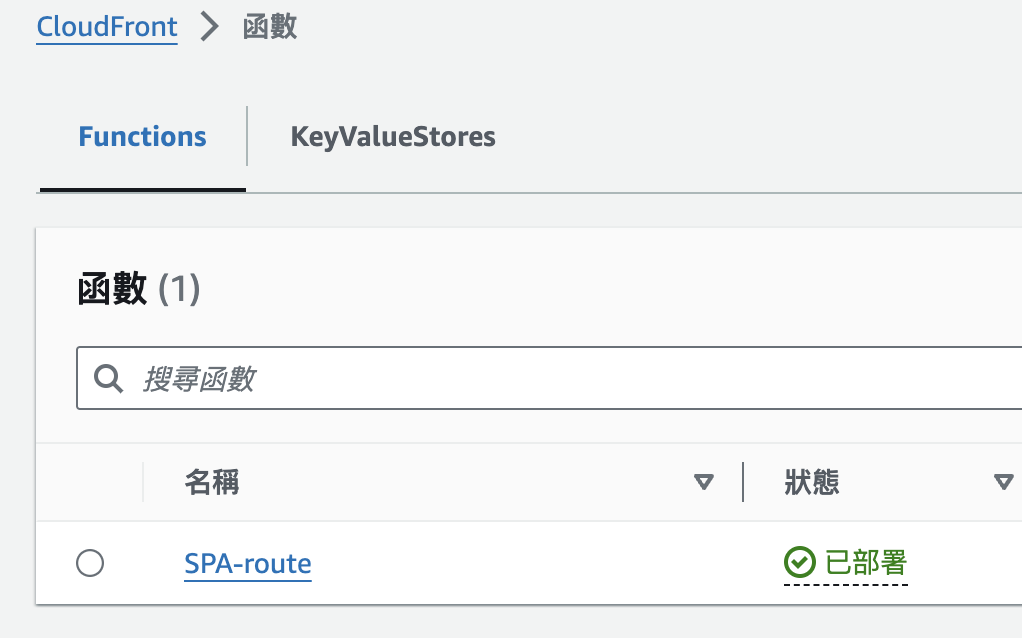
- 使用以下程式碼
function handler(event){
    // Check if the request is for an internal route (doesn't have a file extension)
    if (!event.request.uri.includes('.')) {
        event.request.uri = '/index.html';
       }

    return event.request;
}- 在發布頁籤中,將要套用的分佈設定在關聯分佈中
- 發布完成
大概幾分鐘後,就能看到”X-cache: Hit from cloudfront ”囉~